
How to use Updatly
Set up changelogs for your SaaS in minutes. Keep your users informed with in-app notifications and a beautiful changelog page.
What you get
In-app notifications
Toast alerts when you ship something new
Public changelog
A beautiful page for all your updates
5 minute setup
One script tag. No backend needed.
Light & dark mode
Matches your app theme automatically
Categories
Feature, bugfix, improvement, announcement
Markdown support
Rich text formatting for your updates
Setup in 4 simple steps
Create your account
Sign up for free in seconds. No credit card required.
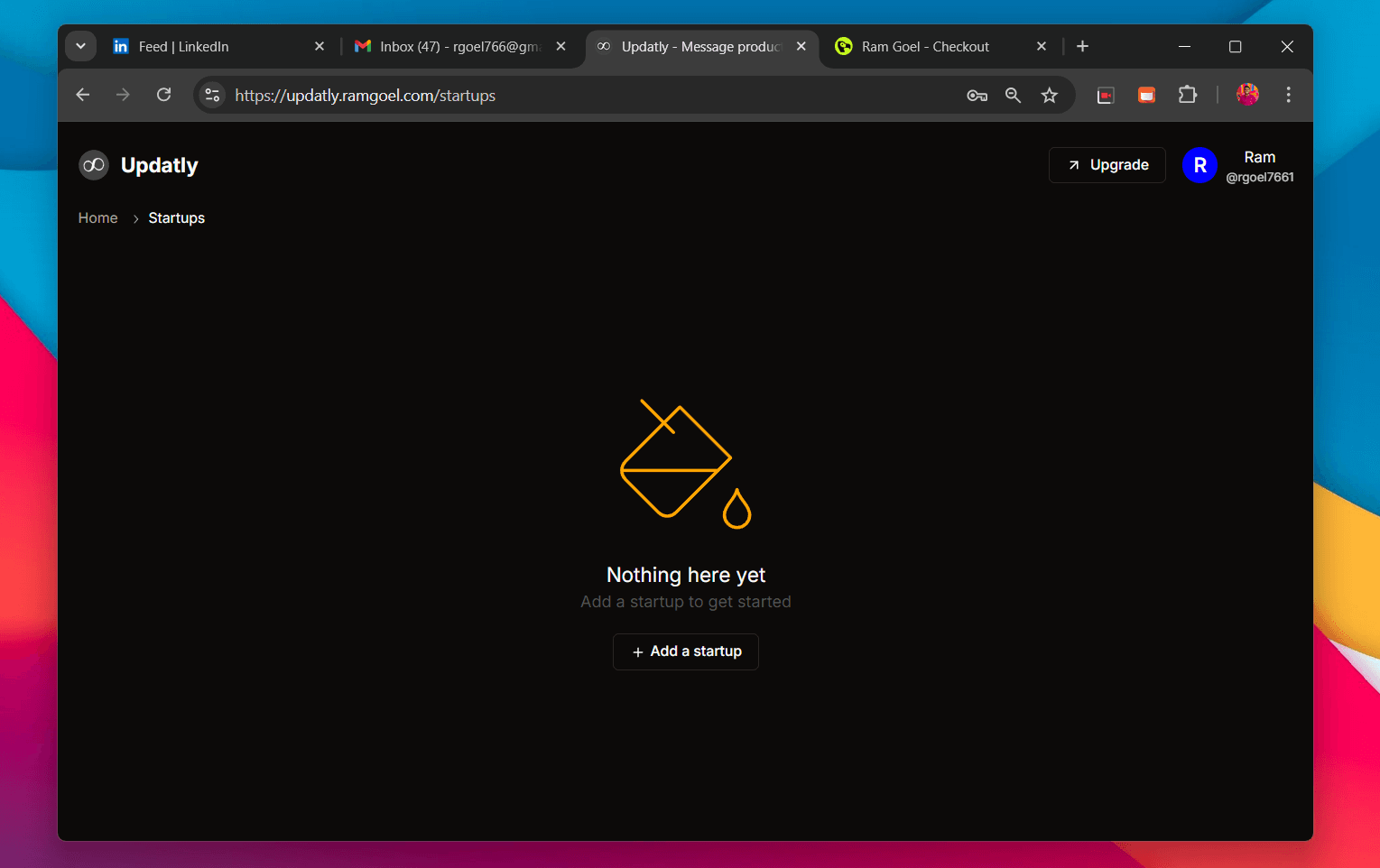
Add your startup
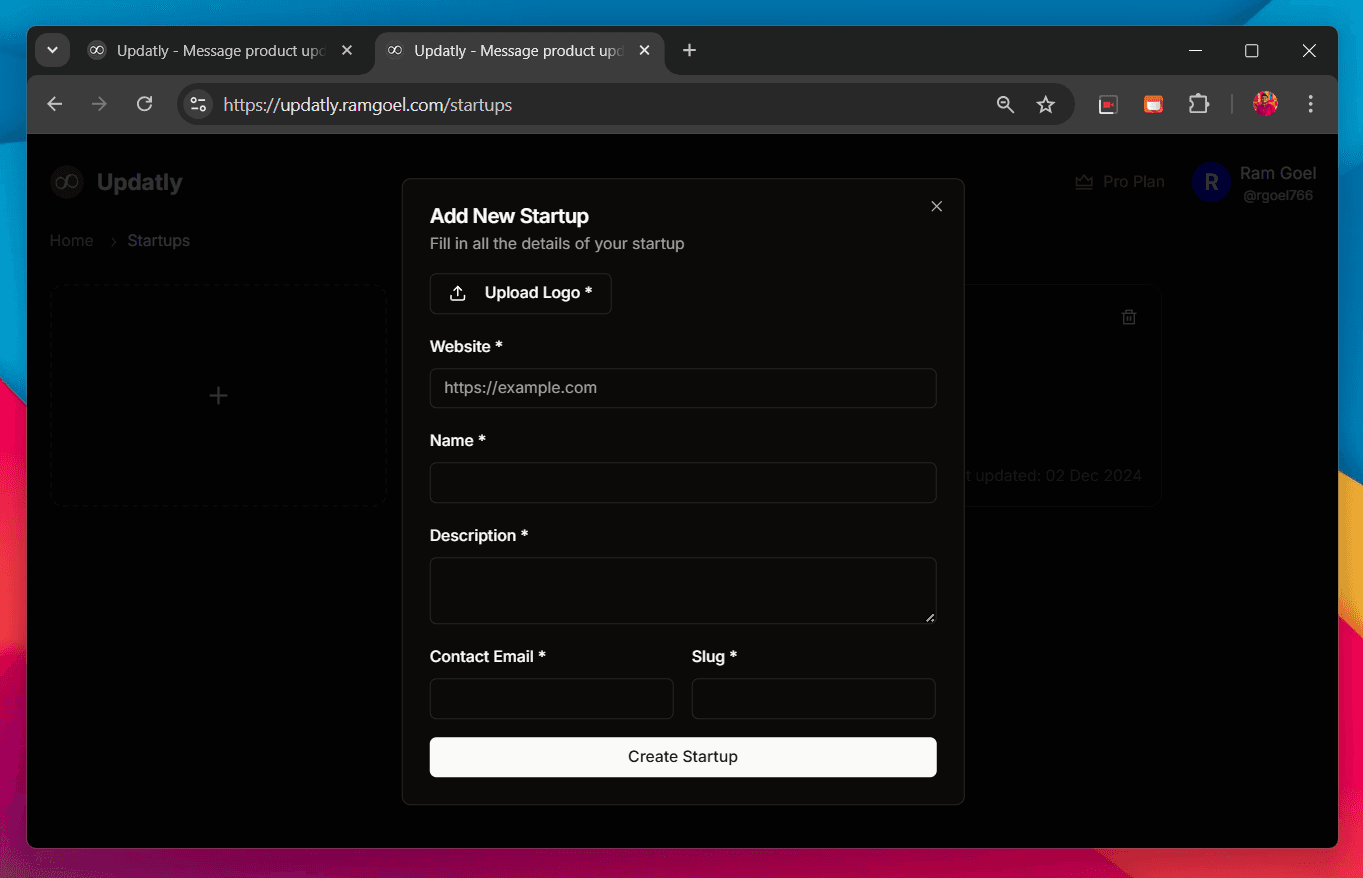
Enter your startup name, logo, website URL, and a unique slug for your changelog page.
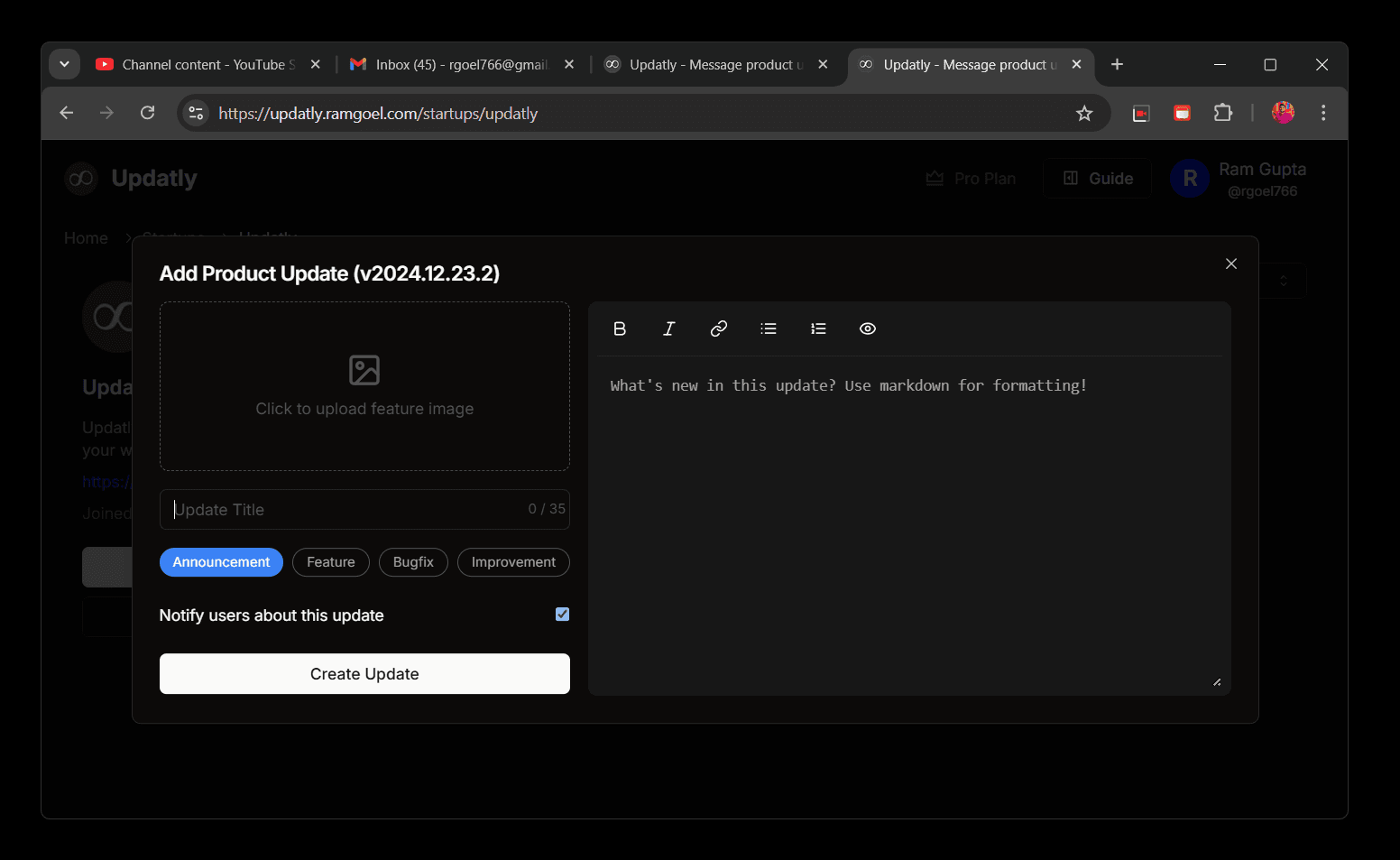
Create updates
Write your updates with markdown, add images, and categorize them. Your changelog page updates instantly.
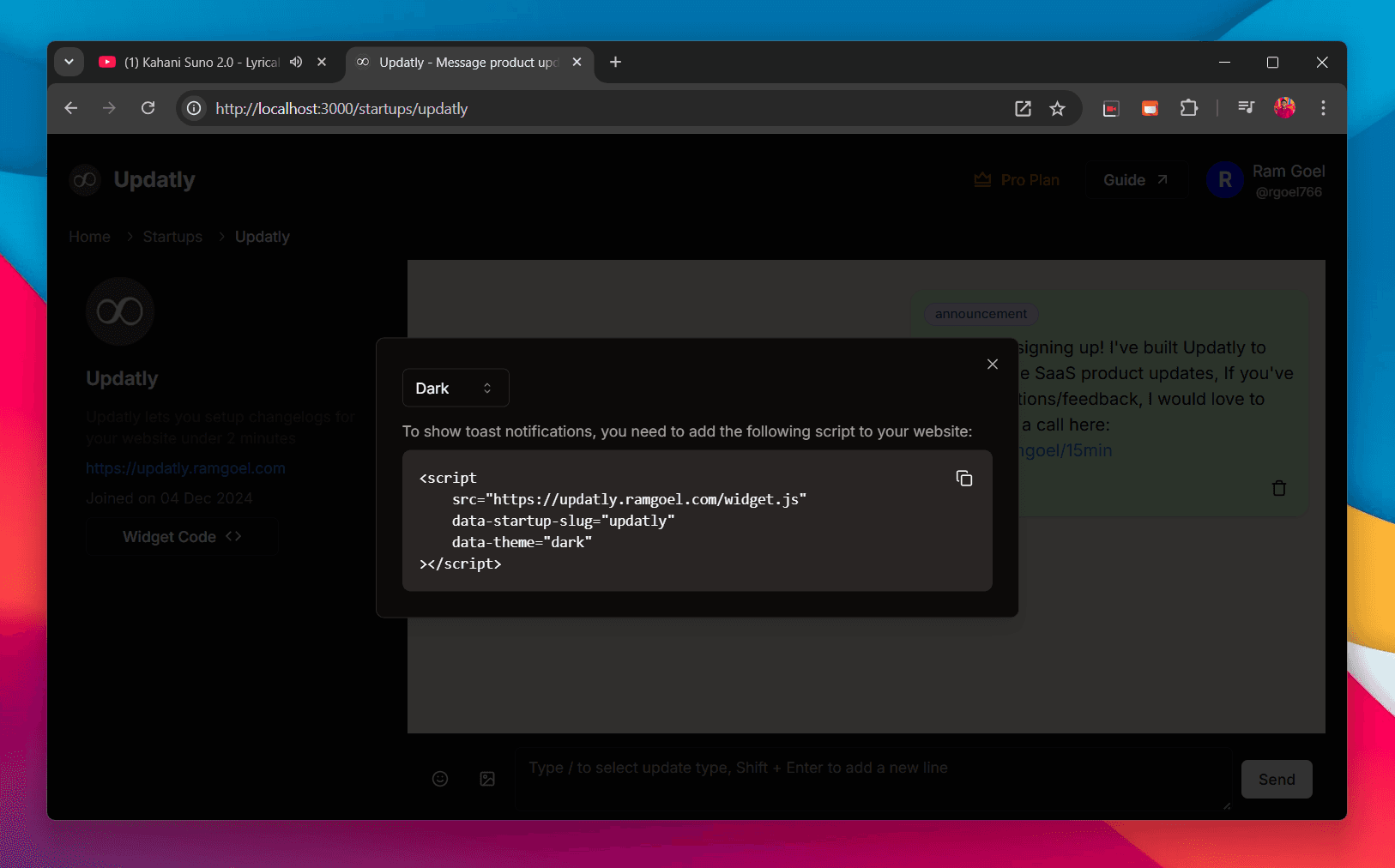
Embed the widget
Copy the script tag and paste it into your website. Users will see a notification when you ship.
What details we need
- Name, Logo, and Description for personalizing your changelog
- Website URL to identify where the widget is embedded
- Contact email for support and notifications
- A unique slug for your changelog page URL
Pro tips
Ready to start?
Create your free account and set up your changelog in minutes.